Assigning Billing Rate Sets
Overview
Where there is a special rate agreement with the client, Billing Rates can be assigned to specific Clients or Matters.
Client Rates
To assign a rate set at client level, this can only be viewed, selected and changed in the Accounts side of the system.
How to assign a Client rate
To change the rate set for a client, open the client card.
1. Select Update, select Client and Update Client.

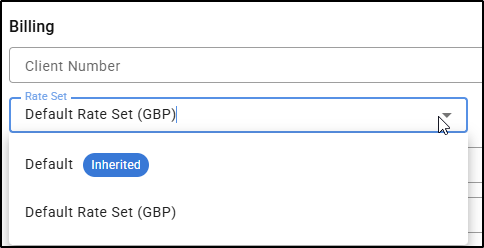
2. Select the applicable Rate Set under Rate Set from the drop-down menu.
Matter rate set
The rate set can be assigned to a matter.
How to assign a Matter rate set
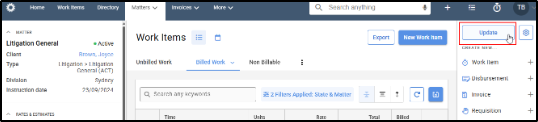
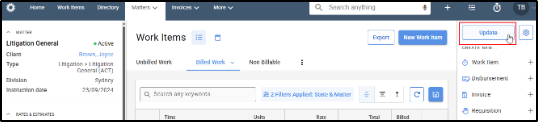
1. Select and view the matter card. Select Update to edit the details of the matter.
2. Under the subheading Rates & Estimates, select the applicable matter Rate Set from the drop down menu. Select Save and Close. 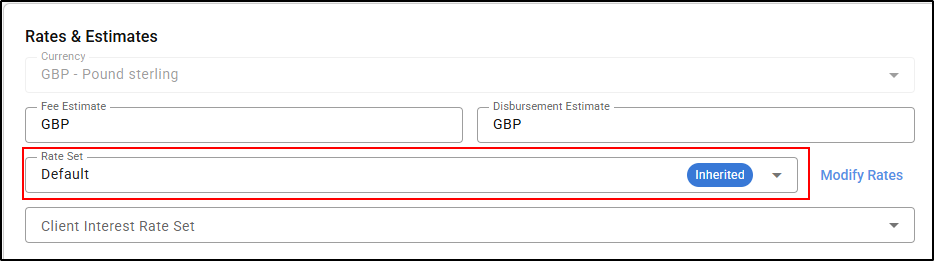
If the Save & Close button is greyed out, select an invoice template from the drop down menu. This will turn the button blue and make it selectable.
Inherited Rate set explained
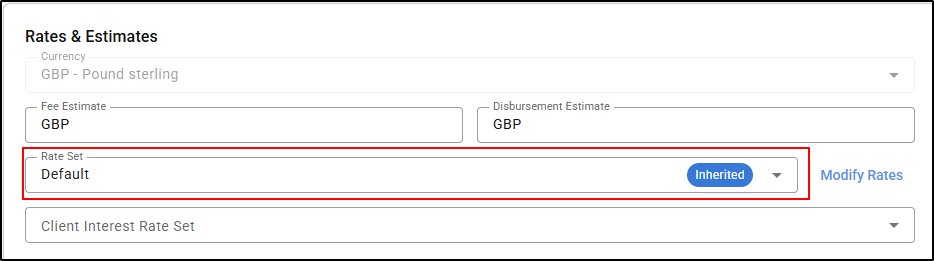
When a rate set shows as 'Inherited' on a matter in the Edit matter details screen, it means that it has inherited the rate set that has been set at client level i.e., the default.
If a firm is using the 'firm default' then a matter will automatically have the rate set showing as 'inherited'.