Setting up DEFT Payment Systems
Guide Overview
TABLE OF CONTENTS
DEFT Payment Systems, developed by Macquarie Bank, is a secure electronic payment platform that allows clients to make payments using a unique reference number. Your organisation intends to use DEFT as a payment collection method for clients.
Within the system, a unique DEFT reference number will be generated for Invoices.
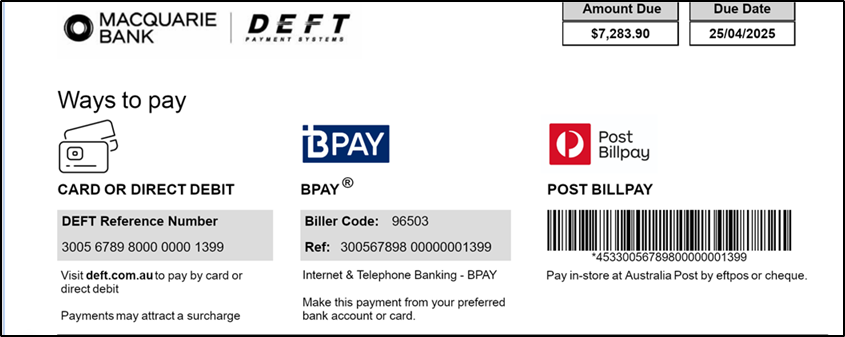
When an invoice is printed, the payment section will automatically include the DEFT Payment reference number along with the required DEFT logos, displayed in the approved format. Please note that this format is fixed and cannot be modified, as it must comply with DEFT’s official specifications.
The same DEFT reference number will also appear on your bank statement when a client makes a payment through the DEFT Payment System, ensuring seamless reconciliation and payment tracking.
Setting up DEFT Payment System
You will need to contact Macquarie Bank to set up the DEFT payment system. They will typically provide an application form and request specific details
Please use the following information as a guide.
| Requirement | Information |
|---|---|
| Check Digit Algorithm | We support the MOD10V01 algorithm ONLY |
| DEFT Biller Reference Number Length | 9 digits |
Enter DEFT Biller Reference
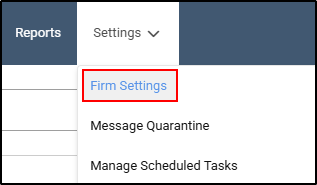
- Go to Settings on the main navigation menu, select Firm Settings.
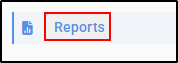
- On the left hand side of your screen, choose Reports from the options.
- Enter your DEFT Biller Reference (9 digits).

- Select Save Changes.

Mark DEFT Payment Signature Template as Default.
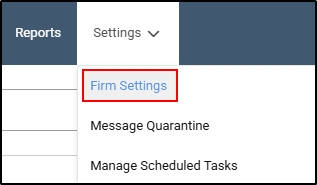
- Go to Settings, on the main navigation menu, select Firm Settings.
- On the left hand side of your screen, choose Reports from the options.
- Select Report Templates.

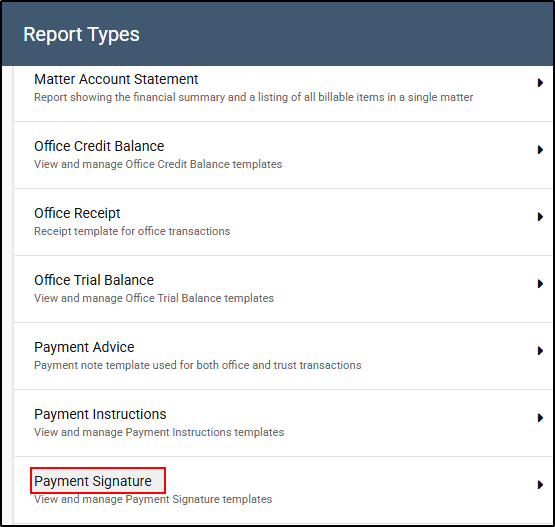
- From the drop-down menu, select Payment Signature.
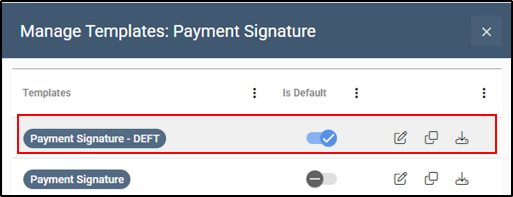
- To mark the Payment Signature - DEFT as the default option, slide the toggle to the right until it turns blue. This indicates that DEFT has been successfully set as the default payment signature.
Process for Issuing Documents with DEFT Payment System
The process for issuing invoices remains unchanged with the implementation of the DEFT Payment System integration.
The key difference is that, when these documents are issued, the footer section will display the DEFT payment information—including the client’s unique DEFT reference number—instead of the firm’s standard payment details. This enables clients to transfer funds directly via DEFT.
Below is an example of how the Remittance Slip will appear: